
- High-Performance Doors
-
- Applications
-
-
-
- Clean Room
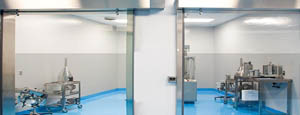
Stainless steel or composite materials help maintain clean rooms.
-
-
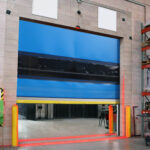
- Coolers
Quick opening speeds & tight seals for temperature control.
-
-
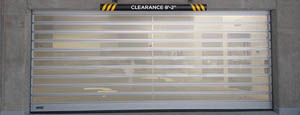
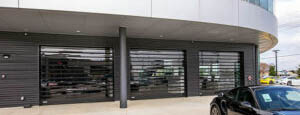
- Parking
Improve security & traffic flow and enhance architectural style.
-
-
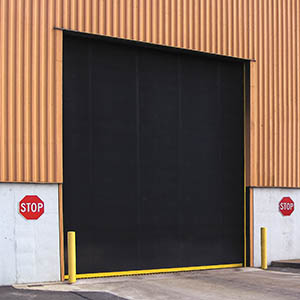
- Hurricane Zone
Withstand winds up to 175 mph and comply with the Florida Building Code.
-
-
-
-
- USDA / FDA / cGMP
Increase productivity & address stringent USDA, FDA & cGMP requirements.
-
-
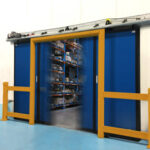
- Freezers
High-speed & perimeter seals minimize the air exchange between areas.
-
-
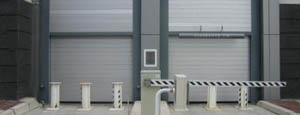
- Security
High speed & durability ensure secure access.
-
-
- Ventilation
Perforated or screen door panels allow improved air circulation.
-
-
-
-
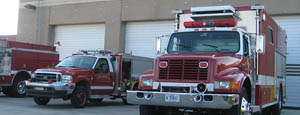
- Fire Station Emergency Response
When time is of the essence, high speed and reliability are crucial.
-
-
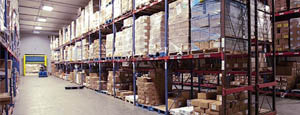
- Warehousing
Fast cycle times and secure seals keep environments separated.
-
-
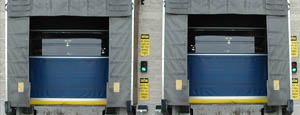
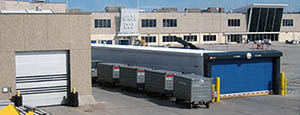
- Loading Dock
Rugged design & secure seal for oversized openings.
-
-
- Large Openings
Break-away functionality with rugged design seals oversized openings.
-
-
-
-
- Heavy Equipment
Withstands challenges of heavy equipment and fleet truck/car wash environments.
-
-
- Self-Storage
Fast opening speeds and reliable, durable construction keep facilities secure and protected.
-
-
- Industries
-
-
-
- Automotive Dealerships
Reduce energy costs, increase productivity and comfort and enhance customer perception.
-
-
- Cold Storage & Processing
Increase productivity and operational efficiency while reducing energy and maintenance costs.
-
-
- Parking
We offer solutions for Apartment / Condo & Loft, Standalone Parking Facilities and Office Buildings
-
-
-
-
- Food & Beverage
Doors specifically engineered for USDA/FDA and cGMP environments, and assured compliance for uncompromising performance.
-
-
- Mfg/Dist/Warehousing
A complete product line allows facilities to increase efficiency and safety and reduce maintenance and energy costs.
-
-
- Government
Ensure effective security and environmental controls are maintained for critical government operations.
-
-
-
-
- Transit
Keep operations running smoothly and efficient while reducing energy and maintenance costs.
-
-
- Pharma, Nutraceutical & Biotech
Doors that offer quick, secure access, environmental control and reliability for life science facilities.
-
-
- Support Resources
- Parts
- Contact Us
- Blog/News
- Why Rytec
- Sales Rep Locator
- Careers
- Dealers
- Architectural Resources








How to Use 3D Render Videos for Product Sourcing?
Product sourcing is becoming more visual, measurable, and competitive. Buyers now expect to inspect products before requesting samples or discussing factory terms. 3D Render Videos can show material texture, assembly steps, packaging dimensions, and color options within seconds. They also help sourcing teams compare suppliers without waiting for multiple physical prototypes.
According to Wyzowl’s State of Video Marketing 2024 report, 91% of businesses use video as a marketing tool, while 88% report positive returns from video investment. Grand View Research also estimated that the global 3D rendering market could grow at a 24.6% compound annual rate from 2023 to 2030. These figures suggest stronger demand for realistic product communication. However, a beautiful animation cannot correct inaccurate measurements or weak supplier verification. That remains a practical limitation.
Ronen Bekerman, a recognized architectural visualization artist and educator, offers a useful principle: “The image should tell a story.” For product sourcing, that story should answer clear questions. What is the product made from? How does it open? Where are the seams, hinges, connectors, and labels? A sourcing manager should connect every visual claim with specifications, drawings, or supplier evidence. Small details matter.
This guide explains how to use 3D Render Videos across product discovery, supplier presentations, sampling, and buyer approval. The process is not perfect. Rendering may hide manufacturing constraints if the brief lacks technical review. Used carefully, though, it can reduce misunderstanding, improve communication, and reveal design problems before production begins.
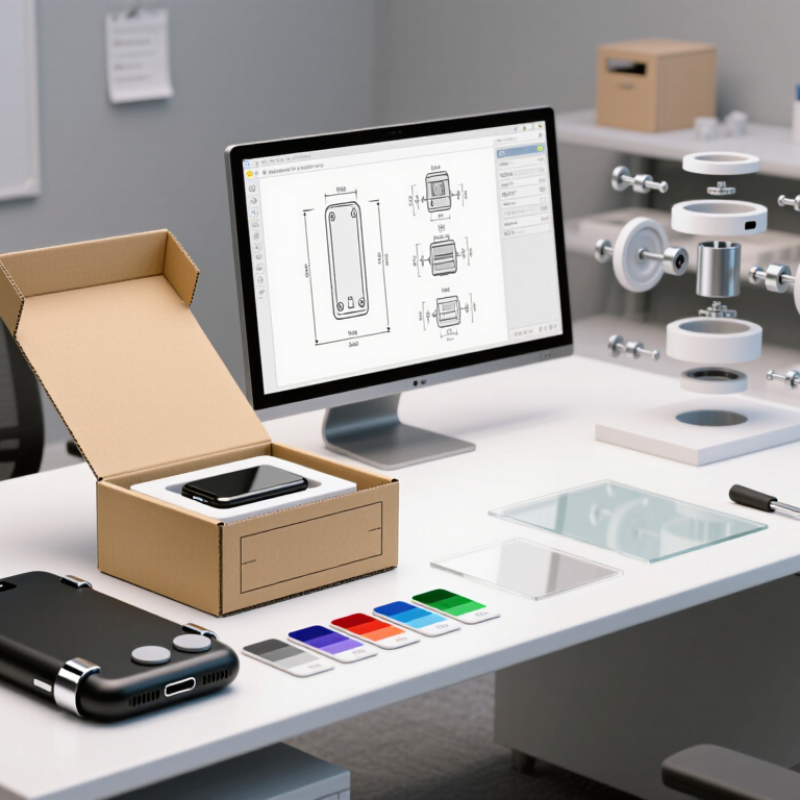
Table of Contents [Hide]
Define the Role of 3D Render Videos in Product Sourcing
How to Use 3D Render Videos for Product Sourcing?
3D render videos define product sourcing before physical samples exist. They translate a technical brief into visible evidence. A buyer can inspect dimensions, surface finishes, moving parts, and packaging space within seconds. This reduces interpretation gaps between designers, factories, and procurement teams. McKinsey’s 2020 global survey found that 85% of companies accelerated technology adoption during the pandemic. Product sourcing followed the same direction.
The video should show practical details, not only polished rotations. Highlight screw locations, material thickness, hinge movement, color changes, and assembly order. A supplier can then confirm what is feasible before tooling begins. The U.S. Census Bureau reported that e-commerce represented 15.4% of U.S. retail sales in 2023. That digital environment increases the need for clear remote product evaluation. Still, a render is not proof of quality. It cannot reveal actual texture, production tolerance, odor, or long-term durability. I have seen attractive visuals hide weak assumptions. That risk deserves attention. Pair the video with drawings, material specifications, inspection criteria, and a physical sample. Use version numbers and approval timestamps. Small controls prevent expensive confusion.
| Product Sourcing Dimension | Role of a 3D Render Video | Information It Can Communicate | Recommended Sourcing Use | Required Validation Before Purchase | Expected Sourcing Output |
|---|---|---|---|---|---|
| Product Concept Review | Visualizes a product before a physical sample is available. | Overall shape, proportions, color options, surface finishes, moving parts, and intended use. | Screen early concepts and identify design changes before contacting or shortlisting suppliers. | Confirm that the design can be manufactured using the proposed materials and production process. | Clearer product brief and fewer misunderstandings during supplier discussions. |
| Supplier Briefing | Converts written requirements into a consistent visual reference. | Key dimensions, assembly sequence, component relationships, packaging position, and functional movement. | Send the video with drawings, specifications, bills of materials, and tolerance requirements. | Ask suppliers to confirm tooling, material availability, minimum order quantity, lead time, and technical feasibility. | More comparable supplier quotations and fewer interpretation gaps. |
| Feature Explanation | Demonstrates how a product operates or is assembled. | Opening and closing actions, folding, rotating, locking, installation, disassembly, or user interaction. | Explain functions that are difficult to communicate with still images or text alone. | Verify performance through a working prototype, engineering sample, or test report. | Better understanding of functional requirements before sampling. |
| Material and Finish Selection | Provides a visual comparison of proposed finishes and colorways. | Gloss, matte, brushed, transparent, textured, metallic, or coated appearances under controlled lighting. | Shortlist finish options and request targeted samples instead of sampling every possible variation. | Approve physical color standards and finish samples because digital rendering cannot reproduce every material property accurately. | More focused sample requests and a documented visual direction. |
| Size and Proportion Check | Shows relative scale and spatial relationships. | Product dimensions, component proportions, clearance, fit, storage position, and installation space. | Review whether the product is suitable for the intended environment, packaging format, or user scenario. | Confirm dimensions with dimensioned technical drawings and physical measurements. | Reduced risk of approving an attractive but impractical design. |
| Packaging and Logistics Planning | Visualizes product placement and packaging structure. | Insert locations, protective parts, folding sequence, carton arrangement, and unpacking order. | Discuss packaging concepts, assembly instructions, and potential space or protection issues with suppliers. | Check drop-test requirements, packaging dimensions, shipping weight, material specifications, and applicable regulations. | More actionable packaging feedback before packaging tooling or mass production. |
| Quotation Comparison | Creates a common visual baseline for comparing supplier responses. | The exact configuration, visible components, included accessories, and requested options. | Compare whether each quotation covers the same product scope and configuration. | Review inclusions, exclusions, tooling charges, sample charges, payment terms, production capacity, and quality standards. | More meaningful comparison of quotations that are based on the same specification. |
| Prototype Approval | Provides a reference for comparing the physical sample with the intended design. | Expected appearance, movement, assembly order, component position, and user interaction. | Use the render video as a visual checklist during sample review. | Inspect the physical prototype for dimensions, fit, function, materials, durability, safety, and finish consistency. | Structured prototype feedback and a clearer revision record. |
| Pre-Production Alignment | Clarifies the approved version before production begins. | Final configuration, colorway, component arrangement, assembly method, and packaging presentation. | Attach the approved render and revision number to the final product specification package. | Obtain signed-off drawings, approved physical samples, quality standards, and a documented change-control process. | Lower risk of producing an outdated or incorrectly interpreted version. |
| Quality Inspection Reference | Supports visual checks against approved design intent. | Visible assembly details, label placement, component orientation, color arrangement, and packaging appearance. | Use selected frames or sequences as supplementary inspection references. | Use measurable acceptance criteria, approved samples, testing procedures, and inspection checklists as the controlling standards. | More consistent visual inspection communication without replacing formal quality controls. |
| Marketing and Pre-Order Validation | Presents a product concept before inventory is produced. | Product appearance, use scenarios, variants, movement, and proposed user experience. | Collect feedback on design direction, feature priorities, and preferred variants before final production decisions. | Clearly identify the video as a rendering when the product has not yet been physically produced, and confirm final specifications separately. | Earlier market feedback with transparent expectations about product status. |
| Technical Documentation | Adds a visual layer to written sourcing documents. | Exploded views, assembly relationships, operating sequences, and part interactions. | Include the video as a supplementary asset alongside CAD files, drawings, specifications, and instructions. | Ensure the written technical documents remain the authoritative source for dimensions, tolerances, materials, and compliance requirements. | More accessible documentation for sourcing, engineering, production, and inspection teams. |
| Important: A 3D render video is a communication and visualization tool, not proof of manufacturability, material performance, safety, regulatory compliance, or production quality. Final sourcing decisions should be supported by technical documents, supplier capability checks, physical samples, testing, and approved quality standards. | |||||