
- High-Performance Doors
-
- Applications
-
-
-
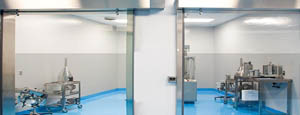
- Clean Room
Stainless steel or composite materials help maintain clean rooms.
-
-
- Coolers
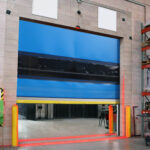
Quick opening speeds & tight seals for temperature control.
-
-
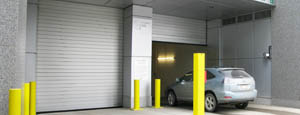
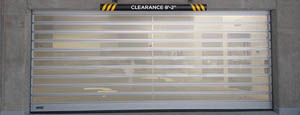
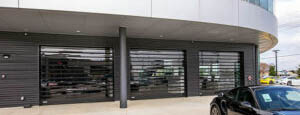
- Parking
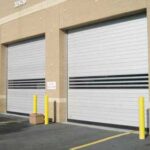
Improve security & traffic flow and enhance architectural style.
-
-
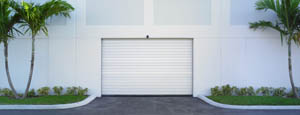
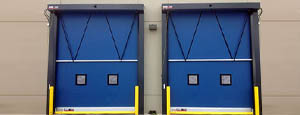
- Hurricane Zone
Withstand winds up to 175 mph and comply with the Florida Building Code.
-
-
-
-
- USDA / FDA / cGMP
Increase productivity & address stringent USDA, FDA & cGMP requirements.
-
-
- Freezers
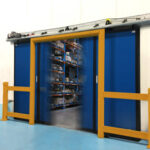
High-speed & perimeter seals minimize the air exchange between areas.
-
-
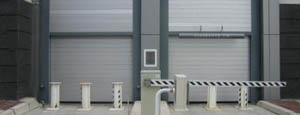
- Security
High speed & durability ensure secure access.
-
-
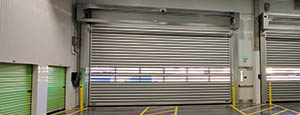
- Ventilation
Perforated or screen door panels allow improved air circulation.
-
-
-
-
- Fire Station Emergency Response
When time is of the essence, high speed and reliability are crucial.
-
-
- Warehousing
Fast cycle times and secure seals keep environments separated.
-
-
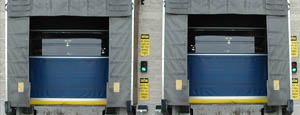
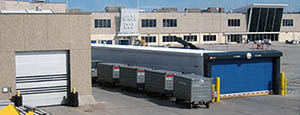
- Loading Dock
Rugged design & secure seal for oversized openings.
-
-
- Large Openings
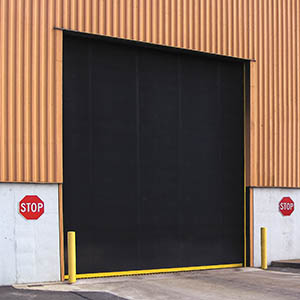
Break-away functionality with rugged design seals oversized openings.
-
-
-
-
- Heavy Equipment
Withstands challenges of heavy equipment and fleet truck/car wash environments.
-
-
- Self-Storage
Fast opening speeds and reliable, durable construction keep facilities secure and protected.
-
-
- Industries
-
-
-
- Automotive Dealerships
Reduce energy costs, increase productivity and comfort and enhance customer perception.
-
-
- Cold Storage & Processing
Increase productivity and operational efficiency while reducing energy and maintenance costs.
-
-
- Parking
We offer solutions for Apartment / Condo & Loft, Standalone Parking Facilities and Office Buildings
-
-
-
-
- Food & Beverage
Doors specifically engineered for USDA/FDA and cGMP environments, and assured compliance for uncompromising performance.
-
-
- Mfg/Dist/Warehousing
A complete product line allows facilities to increase efficiency and safety and reduce maintenance and energy costs.
-
-
- Government
Ensure effective security and environmental controls are maintained for critical government operations.
-
-
-
-
- Transit
Keep operations running smoothly and efficient while reducing energy and maintenance costs.
-
-
- Pharma, Nutraceutical & Biotech
Doors that offer quick, secure access, environmental control and reliability for life science facilities.
-
-
- Support Resources
- Parts
- Contact Us
- Blog/News
- Why Rytec
- Sales Rep Locator
- Careers
- Dealers
- Architectural Resources










10 Tips for Buying a Compact Laser Cutter
Buying a Compact Laser Cutter is no longer limited to specialist workshops. Small studios, schools, makerspaces, and home businesses now use compact machines for wood, acrylic, paper, leather, and coated materials. The choice still demands caution. A small footprint does not guarantee simple operation.
Fortune Business Insights valued the global laser cutting machine market at USD 6.83 billion in 2023. Its report projects growth to USD 11.03 billion by 2032. This expansion reflects wider access to desktop and compact systems. However, market reports usually combine industrial, commercial, and hobby equipment. Their figures cannot predict the performance of one machine in your workspace. That limitation matters.
Martin Göbel, a product-management expert at Trotec Laser, offers a practical reminder: “Choose the machine around the material, not the other way around.” Material testing should guide your decision. A 40-watt machine may cut thin plywood neatly, yet struggle with thicker boards or repeated production. Check the working area, lens options, exhaust path, cooling method, software, and replacement-part access. Do not ignore noise.
Safety comes first.
A reliable enclosure, interlock system, filtration setup, and clear operating instructions deserve more attention than attractive marketing images. The ten tips ahead examine these details through an experience-based lens. They also question common assumptions, including the belief that higher wattage always means better value. Sometimes, the cheaper machine becomes expensive after weak ventilation, slow support, or limited compatibility appear. That is easy to overlook. It should not be.
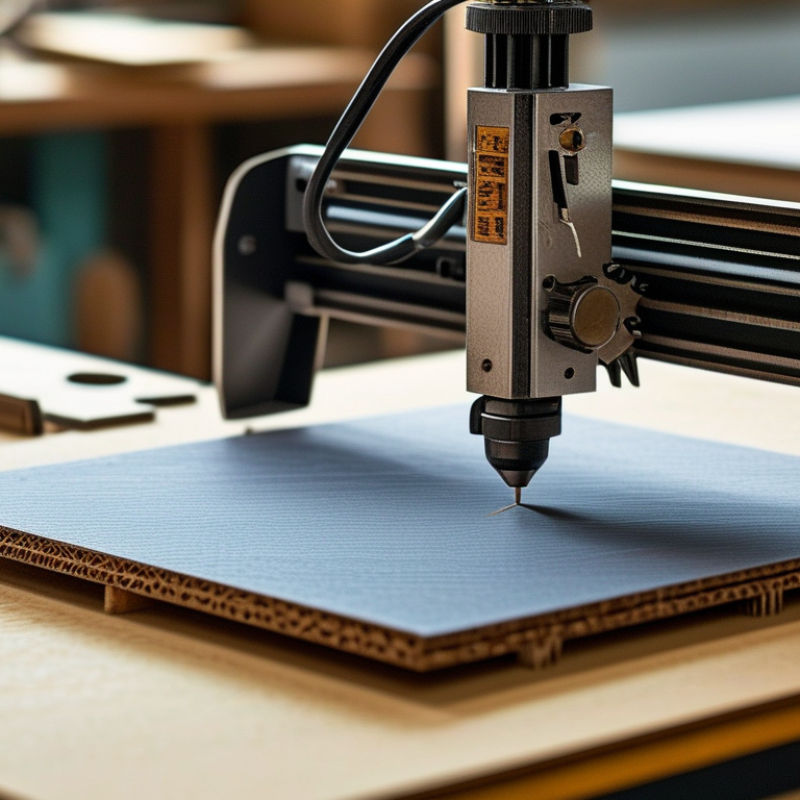
Table of Contents [Hide]
Define Your Cutting Goals and Material Requirements
10 Tips for Buying a Compact Laser Cutter
Define your cutting goals before comparing machines. A desktop cutter for paper, plywood, or acrylic needs different power from one used for stainless steel. Measure your largest expected workpiece, not your smallest sample. A 400 × 400 mm bed may feel generous until a full panel arrives. It happens.
Tip: List your materials, thicknesses, and weekly volume. Include occasional jobs. Many buyers underestimate them.
Material choice also affects ventilation, optics, and maintenance. Confirm that the machine supports each material safely. Request tested settings for speed, power, and air assistance. Never assume “compatible” means clean or reliable cutting. A glossy sheet may melt, warp, or produce hazardous fumes. Review the material safety data sheet before testing.
The International Aluminium Institute reports that recycled aluminium requires about 5% of the energy used for primary aluminium production. This makes scrap planning important, especially for frequent metal work. The 2024 Circularity Gap Report estimated that only 7.2% of the global economy was circular. Your cutter should support efficient nesting and reusable offcuts, where practical. Small savings add up.
Tip: Buy for your real workflow, then allow modest headroom. Excess power can increase cost, heat, and material damage. I would also test a small sample before committing. That step feels slow, but it exposes weak extraction, uneven focus, and unrealistic production claims. Check ISO 11553-1 safety guidance, enclosure design, interlocks, and filter replacement costs before purchase.